




If you’re using social media for marketing, you’ll want to know what are the best social media scheduling tools.
As a social media marketing agency, we have tried leading social media schedulers, and here are the 19 best social media scheduling tools you can use in 2026.
Our social media experts have analyzed each tool in detail, including their pricing and pros and cons. In case you need more help with social media marketing, contact us today to schedule a free consultation call!
The absolute best social media scheduling tools are
- SocialBee: An overall best social media scheduling tool
- Pallyy: Your best option for visual content
- Sendible: An affordable option with great features
1. Marketing Tank
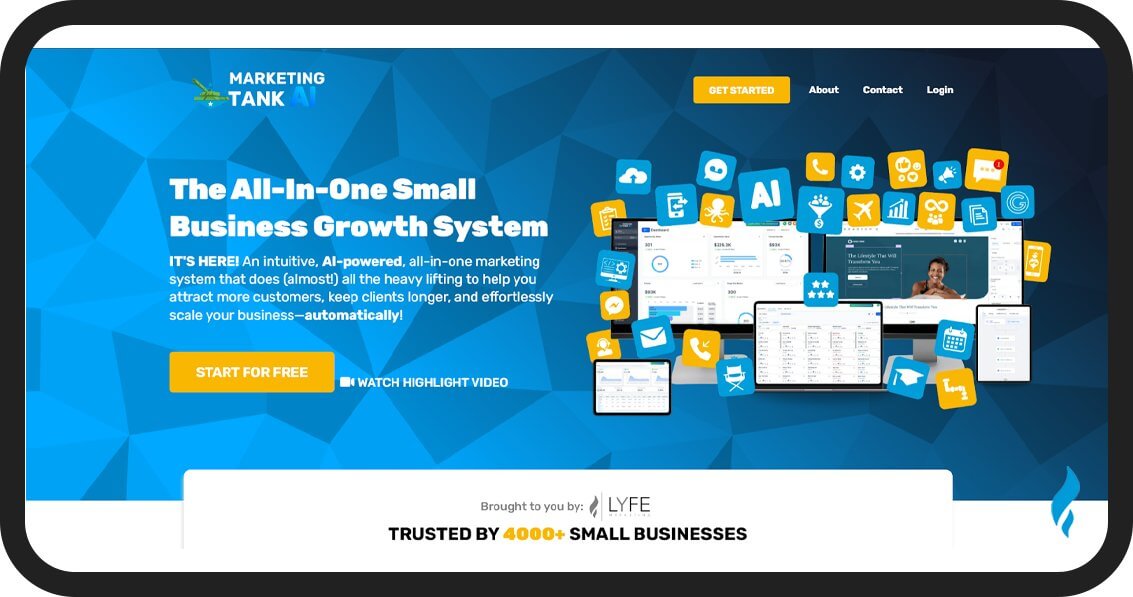
MarketingTank is an all-in-one marketing platform that also provides a social media scheduling tool. You can use it to automate your posting and also attract more customers.
MarketingTank AI combines multiple marketing tools into one system so you can save money by replacing various subscriptions. You can use it to plan, create, and schedule posts across multiple social channels, save time, and keep your brand consistent online.
Their social media scheduling tool is supported by AI-powered content creation, making it easier to generate engaging posts. You can automate your posting calendar to maintain a steady presence without manual effort.
The platform also lets you build automated marketing workflows with an easy drag-and-drop editor, so following up with leads and customers is simple. The best part is that you can try it for free before committing.
Key Features
- Social Media Scheduling: You can plan and schedule posts across multiple social platforms.
- AI Content Creation: Generate social media posts, email copy, and website content quickly using their built-in AI tools.
- Two-way Texting: Send and receive text messages for mass broadcasts or personal customer conversations.
- Automations: You can automate marketing workflows with a drag-and-drop editor to nurture leads and follow up.
- Lead Capture & Appointment Scheduling: The platform collects leads from ads and automatically sends scheduling links to book appointments.
Pros
- You can automate lead follow-up and scheduling.
- Combines many marketing tools into one platform.
- One-click integrations for almost every platform out there, like Shopify, Outlook, Zoom, Meta, TikTok, Stripe, and more.
- Easy to use, you don’t require any technical skills. AI handles everything for you.
Cons
- It does a lot more than just social media post scheduling. So if you’re looking for a tool that only does that and nothing else, Marketing Tank isn’t it.
Pricing
The platform provides a 14-day free trial, and their paid plan starts at $179/month. You can also get a 15% discount on their yearly subscription.
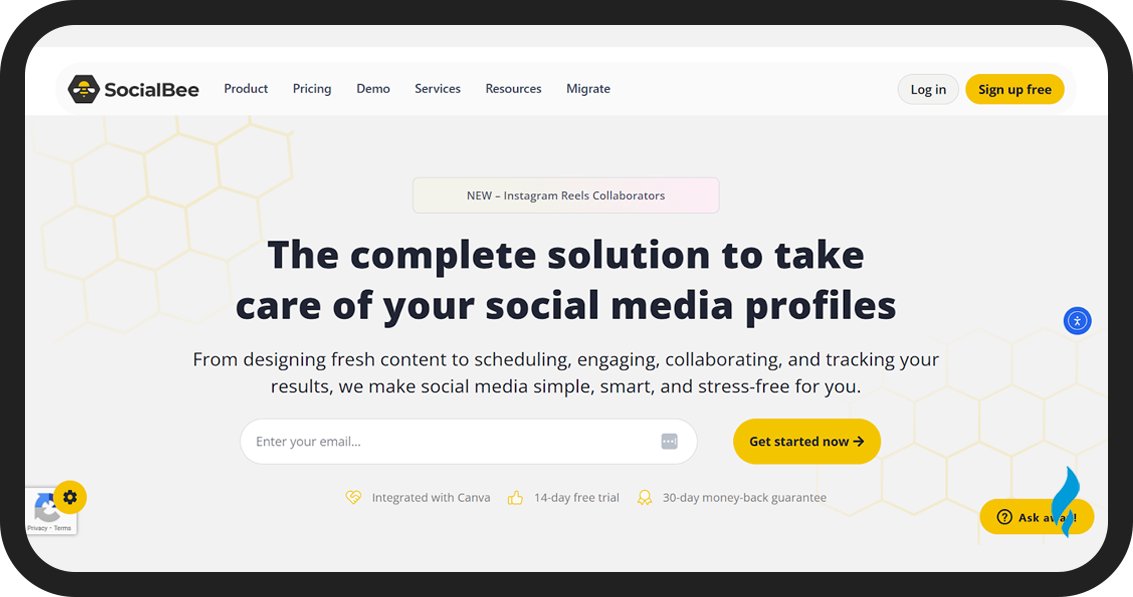
SocialBee is our top pick for the best social media scheduler. You can use their scheduling tools and AI to save hours each month. SocialBee can schedule posts to all major social media advertising platforms like Facebook, Instagram, TikTok, LinkedIn, X (Twitter), YouTube, and Pinterest.
You can also use it for Google Business Profile and schedule your posts weeks or even months in advance. The best way to schedule posts in SocialBee is by using Content Categories.
These are groups of post types that get automatically published on the days and times you choose. The best part about SocialBee is the Social Media Copilot. This AI tool can manage the entire scheduling process for you.
You have to answer a few questions about your brand, target audience, and social media goals, and the AI will handle the rest.
The AI will choose the platforms, build a content plan, and set the posting schedule based on the best time for your audience. You will not need any manual work. SocialBee also has tools for engagement, social listening, and analytics.
Key Features
- Cross-platform scheduling: You can schedule your posts on multiple platforms and pages.
- Content Categories: You can group your posts by category and set a separate publishing schedule for each one.
- Automations: Re-queue evergreen content to keep it visible on the social media algorithm.
- AI Tools: You can use SocialBee AI to write your posts and build your social media schedule from scratch.
Pros
- Schedule your posts to top social media platforms.
- You will get advanced AI scheduling tools with a Social Media Copilot.
- Provides detailed features.
- Simple to use and budget-friendly.
Cons
- The content calendar shows only one social media profile at a time.
Pricing
The platform provides a 14-day free trial, and their paid plan starts at $29/month. You can also get a 16% discount on their yearly subscription.
3. Pallyy
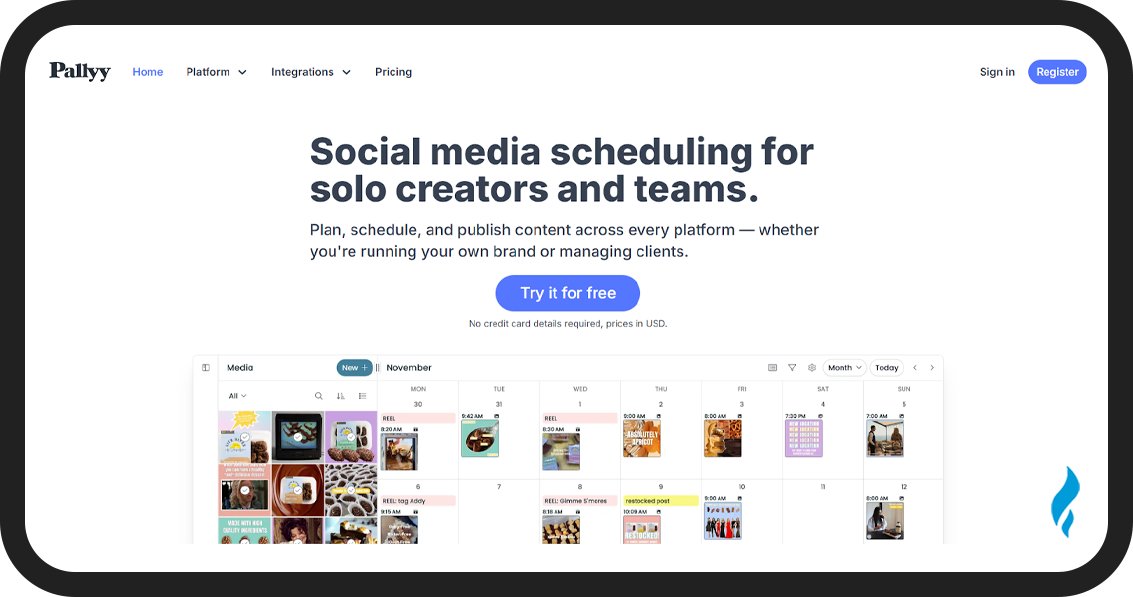
Pally is the best social media scheduling tool for its budget-friendly and user-friendly interface. You can schedule posts to Facebook, Instagram, TikTok, X (Twitter), LinkedIn, and Google Business.
Pallyy is especially useful for Instagram, with a visual planning grid that shows how your scheduled posts will look on your feed once published. You will also get a content calendar.
Pallyy also has a library where your videos and images are organized, and you can drag them directly to your calendar to schedule them. You can add a caption and set a posting time to add it to the posting queue.
Pallyy suggests the best time to post on social media based on your audience and engagement data. This will help you get more views and increase social media engagement.
The best part about Pallyy is that you can use their free plan if you’re scheduling just a few posts a week. But their Premium plan is also affordable.
Key Features
- Drag-and-Drop Calendar: You can schedule your posts by dragging media files onto dates in the calendar.
- Planning Grid: You can preview your Instagram feed layout and rearrange posts if needed.
- Analytics: Monitor post performance with clear insights and reports.
- Social Media Inbox: Manage comments, DMs, and mentions from multiple accounts.
Pros
- Visual workflow makes it easy to interpret details and the content calendar
- Easy-to-use inference
- Affordable for content creators
Cons
- You only get one social set in their paid package and have to pay extra for each additional set.
- Not cost-effective for managing multiple brands
- No option to reuse old content
Pricing
You can use their fee plan with limited options and upgrade to the paid plan starting at $25/month. You can save 10% with their yearly billing plan.
4. Sendible
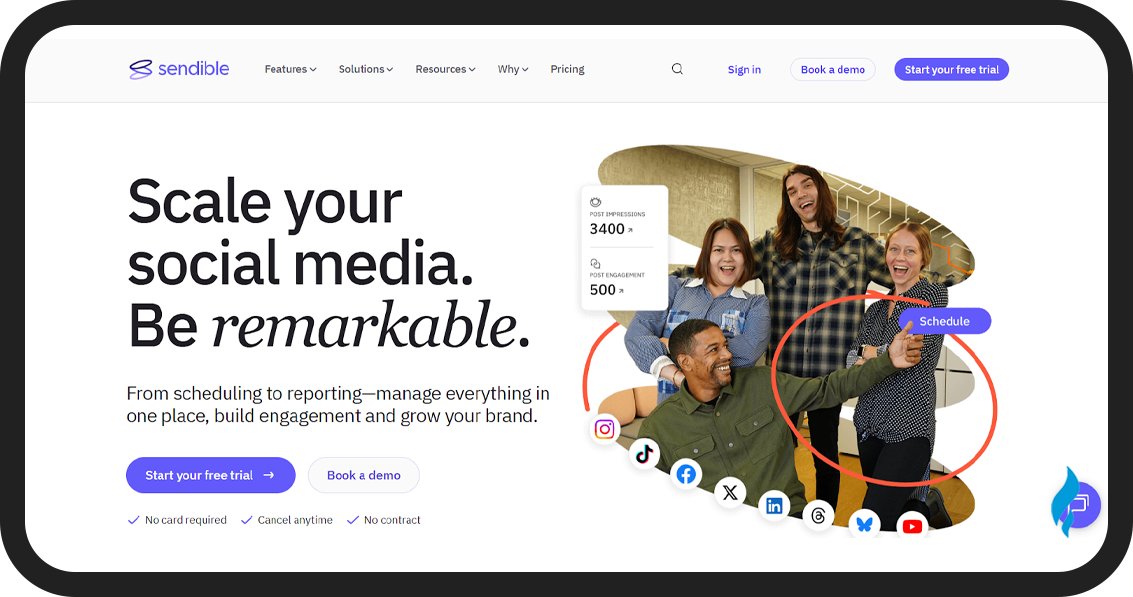
Sendible is the best all-in-one social media scheduling tool. You can use this tool to handle your posting schedule, inbox management, social analytics, and reporting.
Sendible will schedule your post to Facebook, Instagram, TikTok, LinkedIn, YouTube, and X (Twitter). An added feature is that you can also use it to schedule your blog posts to Medium, Tumblr, and WordPress.
Here’s how you can schedule your posts in Sendible:
Open the Sendible Content Calendar and pick a date, draft your post, and set a time to publish it. You will have an option of Smart Queues to automate scheduling without having to schedule each post manually.
The Sendible content calendar is filled with holiday hashtags that you can use for content ideas and create successful social media campaigns.
Key Features
- Content Calendar: You can create, schedule, and manage your posts in their calendar that includes holidays.
- Smart Queues: You can automate posting by adding content to publishing queues.
- RSS Feeds: Auto-schedule posts when new content is published to a feed URL.
- Optimal Time: Automatically post at the best time for your audience using historical audience data.
- Other Tools: You will get analytics, monitoring, and reporting tools.
- AI Assistant: Built-in generative AI to help with content creation.
Pros
- All-in-one tool for scheduling social media posts and blog posts
- Includes an easy-to-use content calendar
Cons
- You have to purchase the paid version for advanced features
Pricing
You can use the tool for free on a 14-day trial. The paid plan starts at $29/month, but you can get a 15% discount on a yearly plan.
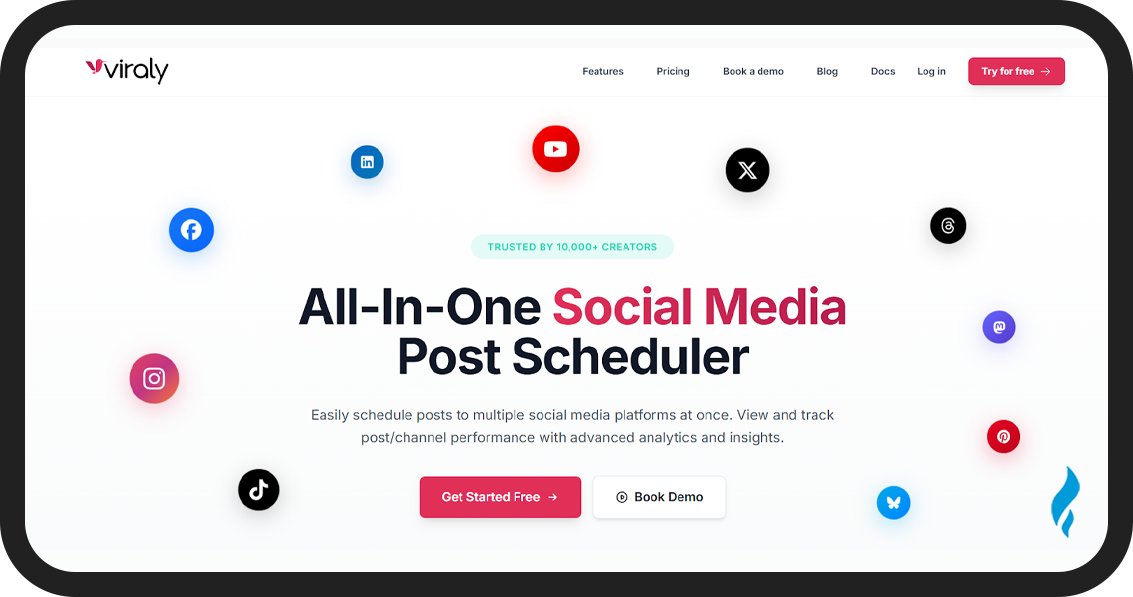
Viraly has a clean interface and an easy-to-use scheduling system that makes content planning simple for your online business. You can use it to schedule your posts to Facebook, Instagram, TikTok, X (Twitter), Mastodon, Pinterest, and Bluesky.
Viraly can help you post on multiple platforms at once and show custom formats and previews for each platform. You have to pick a date from your content calendar, choose the platform, and schedule your post.
Their AI tool speeds up writing and editing your captions. You can save time with this and also set up posting slots based on recommended times. Viraly also provides an AI image generator to edit your images.
Key Features
- Cross-Platform Scheduling: Schedule and auto-publish to 8 social media platforms at once.
- Content Calendar: You can manage your posts in a simple calendar with customizable views and filters for queued and published content.
- First Comment Scheduling: You can also auto-publish a comment after your post goes live to add hashtags and increase engagement.
- Media Tools: Edit images and videos with built-in tools and store them in a shared media library.
- Analytics: You can access advanced insights on profile and post performance.
- Hashtag Lists: You can save and organize reusable hashtags into collections.
Pros
- The interface is simple and easy to understand
- You will get an organized content calendar
- Streamlined social scheduling
- Good value for money
Cons
- You will not get a free trial for Viraly
- You will only get an unlimited scheduling option with their top-tier plan
Pricing
Their paid plan starts at $19 per month.
6. ContentStudio
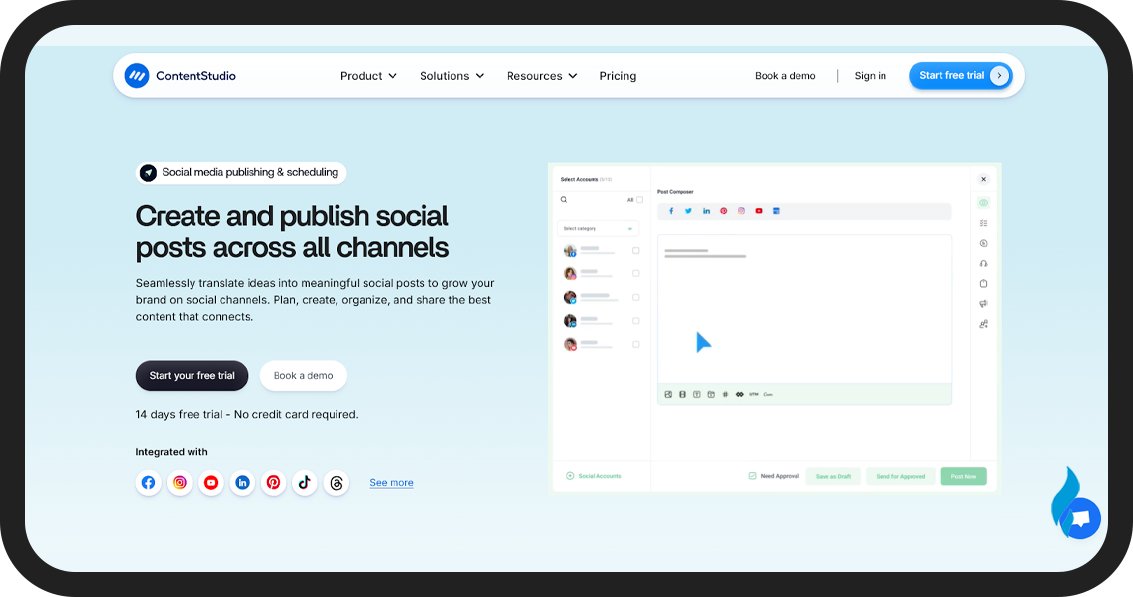
ContentStudio is the best social media scheduling tool that can help you with content marketing. This tool provides content curation tools and offers post ideas to help with scheduling.
You can find relevant and engaging content from across the web in your niche using the Discover tool. Their assistant will help you find relevant articles and videos.
ContentStudio also offers pre-built automation to speed up your scheduling. You can use them to auto-schedule content from RSS feeds, recycle posts. The best part is that you can use it to schedule blogs on WordPress, Shopify, and Tumblr.
Key Features
- Cross-Platform Scheduling: You can cross-post to all social media accounts and blog sites like WordPress and Tumblr.
- Smart Scheduling: You can use custom queues and preset categories to automate posting.
- Discover: Find and curate content your audience enjoys from across the web.
- Workspaces: You can use this tool to keep each social set organized in its workspace.
Pros
- This platform is easy to use, and the UI is also user-friendly.
- You can save time with their automation and scheduling
Cons
- Their additional features require some time to get used to and fully understand.
Pricing
You can use ContentStudio for free on a 14-day trial. Paid plans start at $19/month, with up to 34% off on yearly billing.
7. Agorapulse
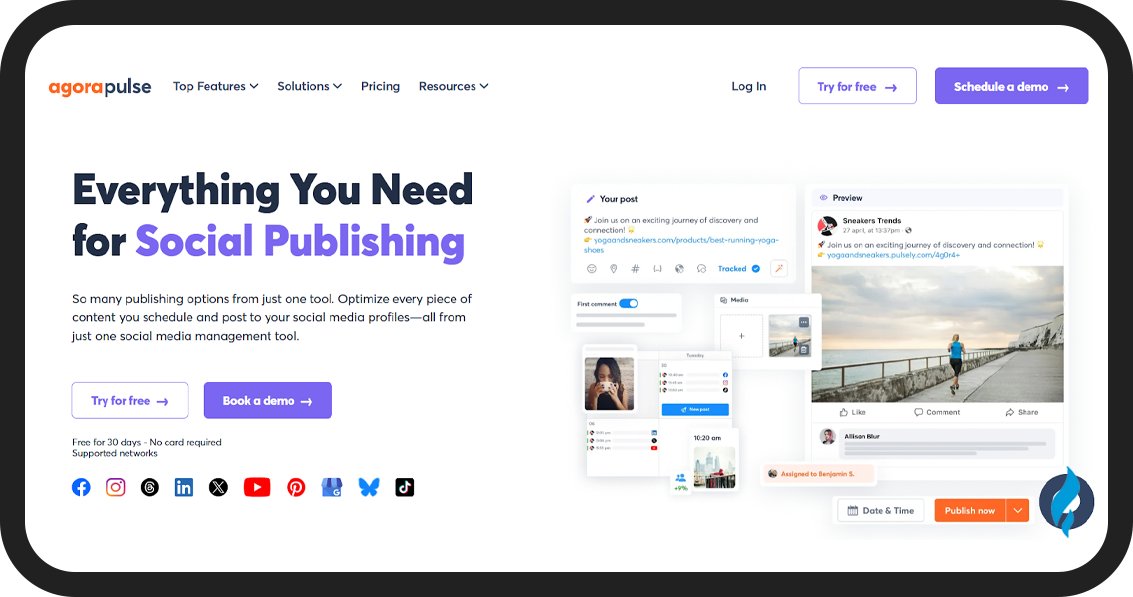
Agorapulse is a strong choice for social media managers. It offers a powerful scheduling tool and features to manage your brand social profiles. You can schedule posts individually or automate publishing queues to save you time.
Their Advocacy feature can help you schedule posts with your employees and influencers to grow your organic reach. You can use their collaborative scheduling workflow if you’re working with an influencer to stay organized.
But if you want to collaborate with someone using Agorapulse, they will also have to buy their own subscription. So if you’re planning to use it with a big team, you will have to spend more of your social media budget or ask your team to pay for this tool separately.
Key Features
- Collaborative Scheduling: You can plan, schedule, and publish posts and use approval workflows, status tags, and filters to track progress.
- Content Queues: You can set automated daily or weekly queues and fill them with posts to save time.
- Advocacy campaigns: Schedule advocacy campaigns alongside your social posts to increase reach and engagement.
- Publishing Calendar: Organize posts in a drag-and-drop calendar with four view options.
- Other Tools: You get features like ROI analysis, social listening, reporting, and inbox management.
Pros
- Their interface is easy to use
- You will get an efficient scheduling workflow
- Collaboration tools with approval workflows, which are great for social media managers
Cons
- The platform is expensive for small business owners and content creators.
- More niche platforms are available on this social media scheduler.
Pricing
You can use Agorapulse for free with limited features or on a 30-day trial. Their paid plans start at $69/month per user, and you can save 20% on yearly billing.
8. Metricool
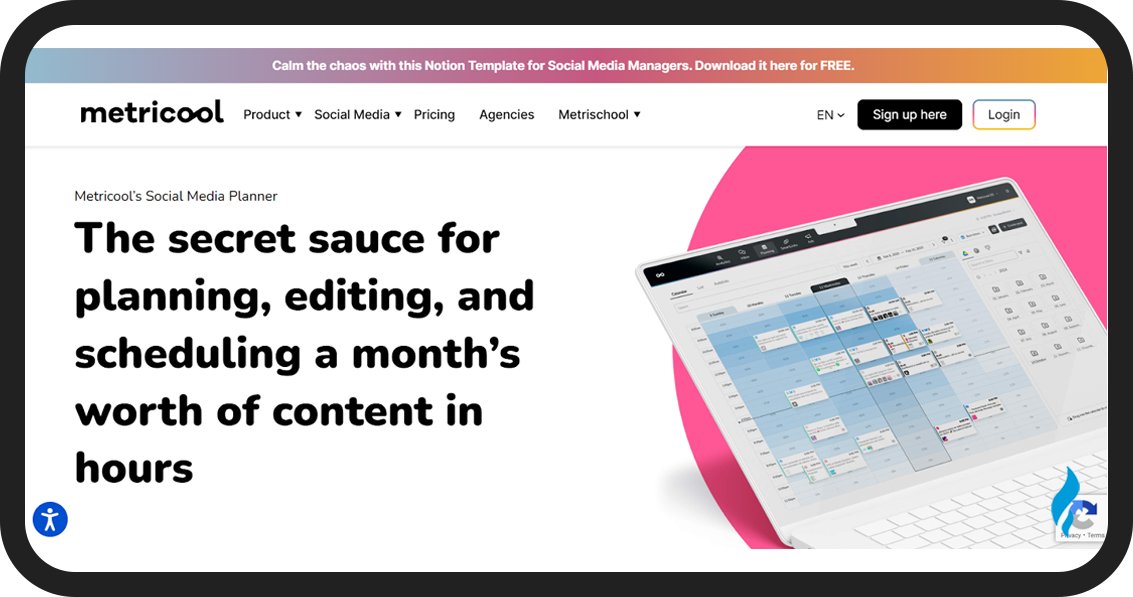
Metricool is a social media scheduling tool that is cost-effective and also provides a solid free plan. You can use it to schedule posts for Facebook, Instagram, TikTok, X (Twitter), YouTube, and Pinterest.
You can sign up for Metricool for free and schedule 50 posts without paying a penny or adding details of your credit card. But for a higher schedule limit, you have to purchase their paid plans.
The platform also provides a color-coded content calendar to highlight the best time to post on social media based on your audience data. The more data you provide, the better results Metricool will provide.
You can schedule one post across multiple networks to save time. But do note that Metricool can’t handle the character limit for different platforms, so you will have to check social media best practices yourself.
You also get handy features like autolists, batch scheduling, an AI caption generator, inbox management, and competitor research.
Key Features
- Color-coded Content Calendar: Schedule your posts with an easy-to-use calendar that suggests the best posting times.
- Autolists: You can group posts into autolists and publish them automatically on a schedule.
- Bulk scheduling: Upload a CSV file or use AI to create up to 25 posts at once.
- Other Features: Analytics, competitor analysis, unified inbox, hashtags, link in bio, and ad management.
Pros
- You get a decent free plan
- Their content calendar shows the best posting times
- You can use it with most social media platforms
- Time-saving tools like batch scheduling and autolists
Cons
- The UX of crossposting is confusing
- There is a limit on scheduling for all plans
Pricing
You can use this platform for free with restrictions, and purchase a paid plan starting at $22/month.
9. Publer
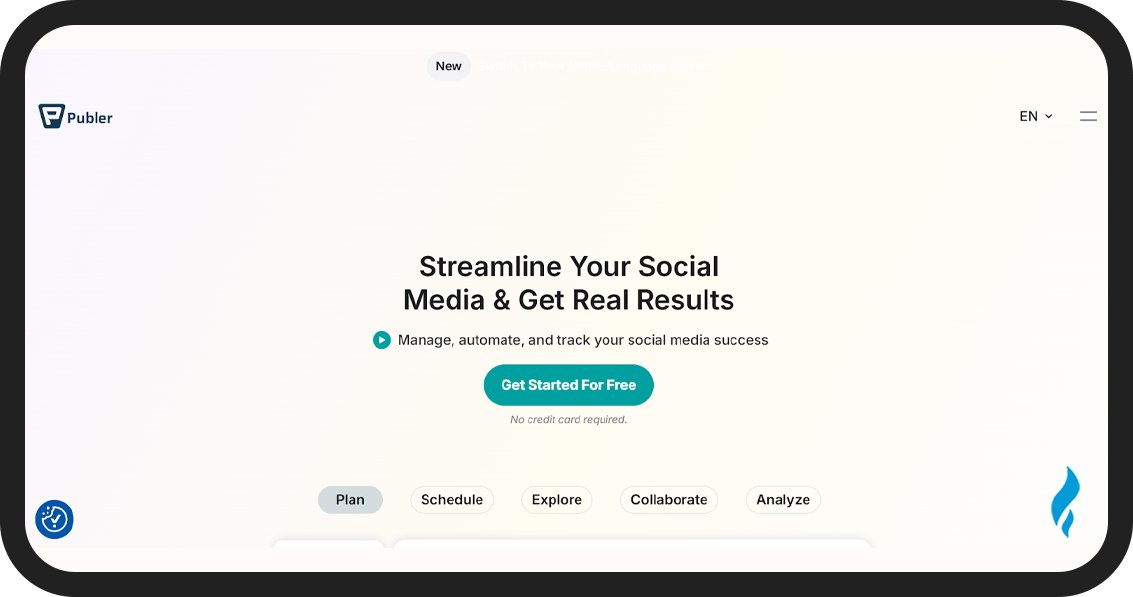
Publer is a reliable scheduler with all the essential tools to manage your social media posts efficiently. The platform gives you four options to schedule your posts. The first is a manual where you schedule your post and set the exact date and time to publish.
You can auto-schedule and add your posts to a queue in a posting schedule for each platform. Your posts go out automatically based on those settings. There is a recycle option also available to share a post multiple times on a set schedule.
You also get a recurring feature to repeat a post at regular intervals. Their drag-and-drop content calendar will manage all scheduled posts in an easy-to-understand way.
Publer can be used to auto-delete posts after a set time and schedule follow-up comments to publish automatically. You also get an AI writing assistant, content curation tools, and analytics.
Key Features
- Content Calendar: You can easily view and manage scheduled posts in a beginner-friendly calendar.
- Auto-schedule: Add posts to a content queue for automatic, periodic sharing.
- Post Recycling: You can reshare posts at set intervals to extend your reach.
- Other Features: Analytics, AI writer, RSS feeds, and content curation.
Pros
- Unlimited post scheduling on paid plans
- User-friendly tool
- Flexible pricing options available
Cons
- Post recycling and best time to post options are available only on the Business plan or higher.
Pricing
You can start with the free plan or try a 7-day free trial. The paid subscription starts at $12/month, with a 20% discount on annual billing.
10. Iconosquare
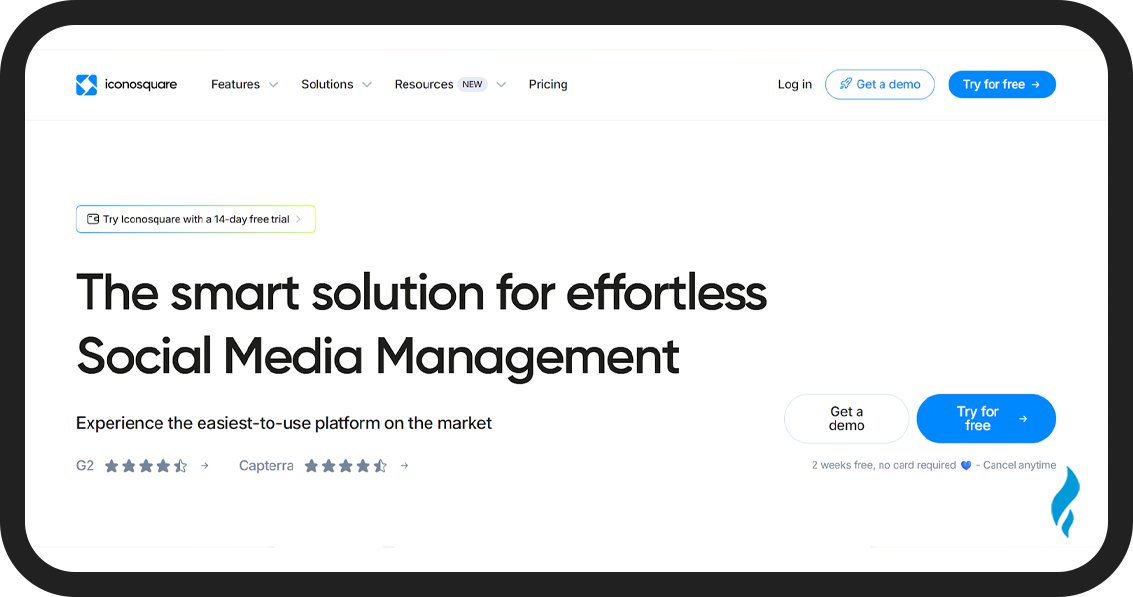
Iconosquare is a user-friendly platform with the right social media scheduling capabilities to improve your social media presence by posting Reels and Stories. You can schedule posts for Facebook, Instagram, X (Twitter), and LinkedIn.
Here is how to use Iconosquare to schedule your social media posts:
Open Iconosquare and go to the Publishing toolkit. Select the platform you want to publish to post on and click Scheduler, and select the New Post option to get started.
You can create your post and set the date and time you want to publish. The best part is that there is a crosspost option you can use to share your posts on multiple platforms at once.
You can check all upcoming posts in the calendar view and also preview them in the feed view. If you want to reschedule your post, you can do it by just a drag and drop to update the time.
You also get an option to share the content calendar across different stakeholders. But Iconosquare is not just a social media scheduler, you can use it as a social media management tool which is handing if you’re using social media for business.
Key Features
- Shared Content Calendar: Collaborate with your team to plan and schedule posts in a shared calendar.
- Crosspost: You can schedule posts to multiple channels at once.
- Other Features: Inbox management, analytics, and social listening.
Pros
- Advance features
- Provides a great user experience and a user-friendly scheduling tool
Cons
- No free plan available
- You can not use it for YouTube and Pinterest
Pricing
You can try the platform for a 14-day free trial, and the paid plan starts at $59/month, but you can save 22% with annual billing.
11. HopperHQ
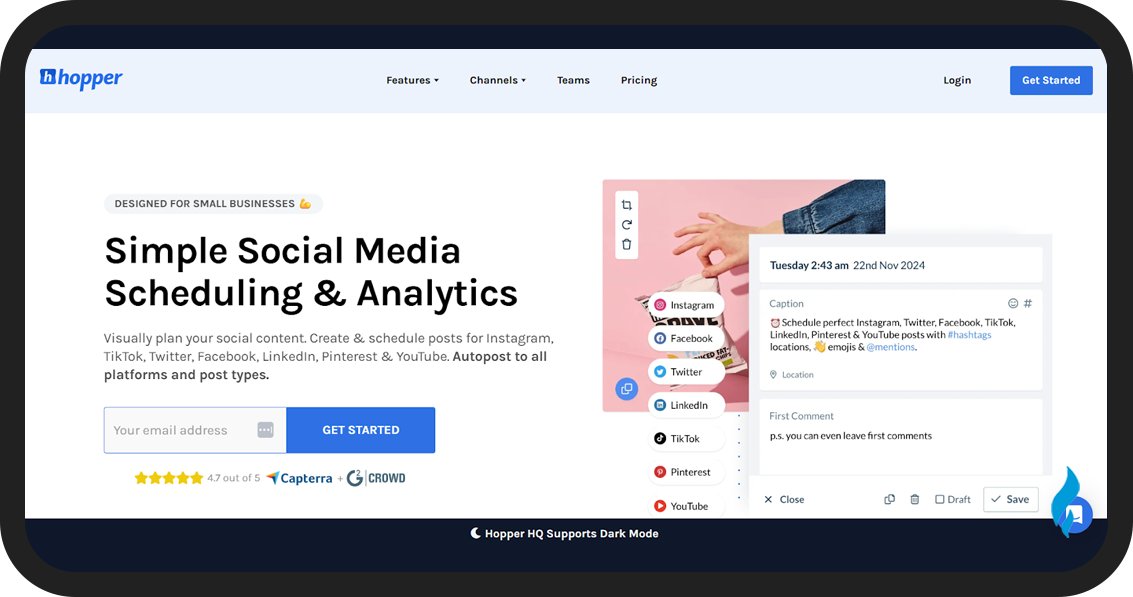
HopperHQ is the best option for your business if you want to share a social media scheduler with a big team. Their standard plan includes features like unlimited posts and users.
But you have to pay per social set, so managing multiple brands can be expensive. HopperHQ supports all post types, like text, images, videos, Stories, and carousels for different major platforms.
Its user-friendly interface lets you plan posts visually with a calendar or grid planner. You also get essential features like an AI caption generator, bulk upload options, hashtag research, and analytics.
The best part about HopperHQ is that you can download their app on both Android and iOS, so you can manage your social media from your mobile devices.
Key Features
- Scheduling Calendar: You can schedule all types of posts to multiple networks from one calendar.
- Link In Bio Tool: You can make a custom biolink to manage your promotional links.
- Grid Planner: Visually plan your feeds with an intuitive grid view.
- Analytics: You can track and analyze your social media performance.
- Mobile Apps: You can use their iOS and Android apps to schedule your post using your mobile devices.
- AI Tools: Captions generator, Hashtags finder, and Image upscaler
- Hashtag Research: Find the best hashtags to improve your post visibility.
Pros
- No locked features
- Affordable pricing
- You can add unlimited user accounts for free
- Mobile app available
Cons
- Pricing is based on social sets
- Lacks some advanced features
Pricing
You can use a 14-day free trial to test the platform, and the paid plan starts at $19/month per social set.
12. Later
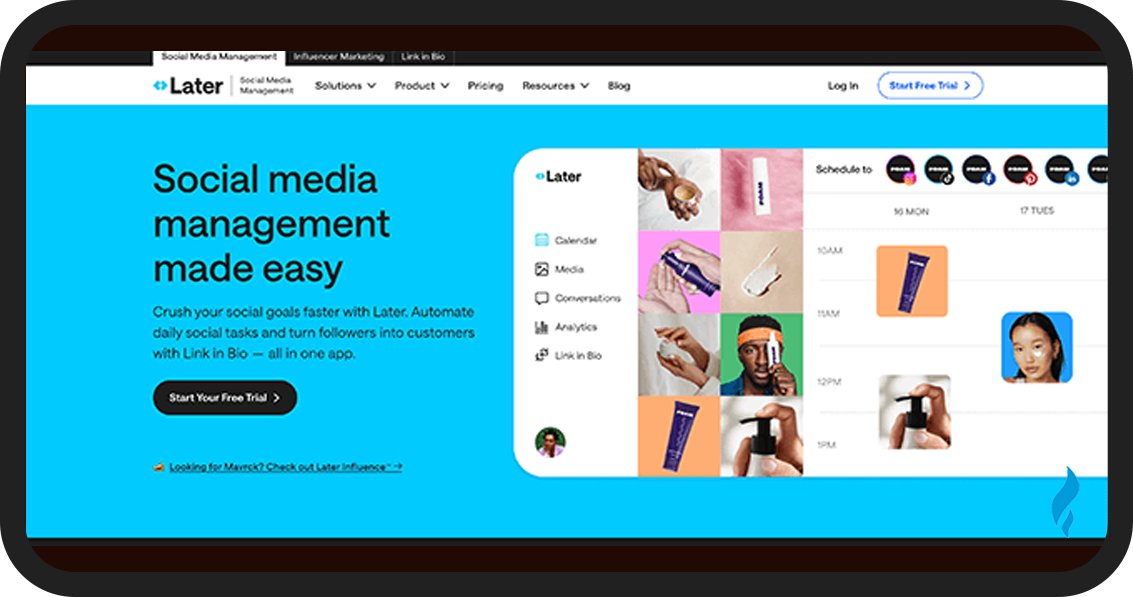
Later is a social media scheduling tool that you can integrate with your Meta, TikTok, and Pinterest accounts to automatically publish posts on these platforms. You can use their visual planner to preview and rearrange scheduled posts in your feed.
Later includes a design tool to optimize your media for each platform. You can crop or resize images and also crosspost them across platforms. The Later hashtag generator will suggest relevant hashtags for your Facebook, Instagram, and X (Twitter) posts.
You will also get recommendations about the best time to post for your Instagram and TikTok. You can schedule 30 or 150 posts per profile using Later, but if you want unlimited post scheduling, you’ll have to buy their Advanced plan.
Key Features
- Social Media Scheduling: You can auto-publish posts to top platforms like Facebook, Instagram, TikTok, and Pinterest.
- Visual Planner: Preview your feed before posts go live.
- Media Library: Store images and videos for easy scheduling.
- Mobile App: You can schedule your posts from your phone or desktop.
- Other Features: Analytics, Hashtag suggestions, first comment scheduling on Instagram, and a creator database.
Pros
- User-friendly platform
- Supports most social media platforms
- Strong design and planning tools
Cons
- Optimal posting time suggestions are available only for Instagram and TikTok
- Unlimited scheduling is included only in the top-tier plan
Pricing
You can try a 14-day free trial, and the paid plan starts at $25/month, with 2 months free on annual billing.

Vista Social is an all-in-one social media scheduling tool with a built-in scheduler for Reddit as well. You can also use it to schedule posts on Facebook, Instagram, TikTok, LinkedIn, YouTube, X (Twitter), and Pinterest.
It supports all content types, including images, videos, Reels, and carousels. You have to connect your profiles with Vista Social and create a posting schedule or schedule posts manually.
The platform also provides suggestions for the best time to post to increase your engagement and social media reach. You can also schedule your first like like with Vista Social to increase your engagement and provide your post a traction.
The best part about Vista Social is that you can use it to find trending UGC (user-generated content) and you can schedule it or repost it with credits added to your caption for compliance.
Key Features
- Auto-publishing: You can create and schedule posts to auto-publish across all connected profiles.
- Best Time To Post: Use posting time suggestions for maximum impact.
- Like And Comment Scheduling: You can schedule your first like and up to 10 comments to boost engagement.
- Other Features: You can find analytics, engagement tools, social listening, and review management.
Pros
- Schedule most post types to major social media platforms, including Reddit
- You get features like first like scheduling
- Mobile app available
- AI assistant to create and schedule posts faster
Cons
- Some advanced scheduling features are not available
Pricing
You can use a free version with some restrictions or try a free 14-day trial before you purchase the paid plan. Their subscription starts at $15/month, and you can get a 20% discount on yearly billing.
14. Post Planner
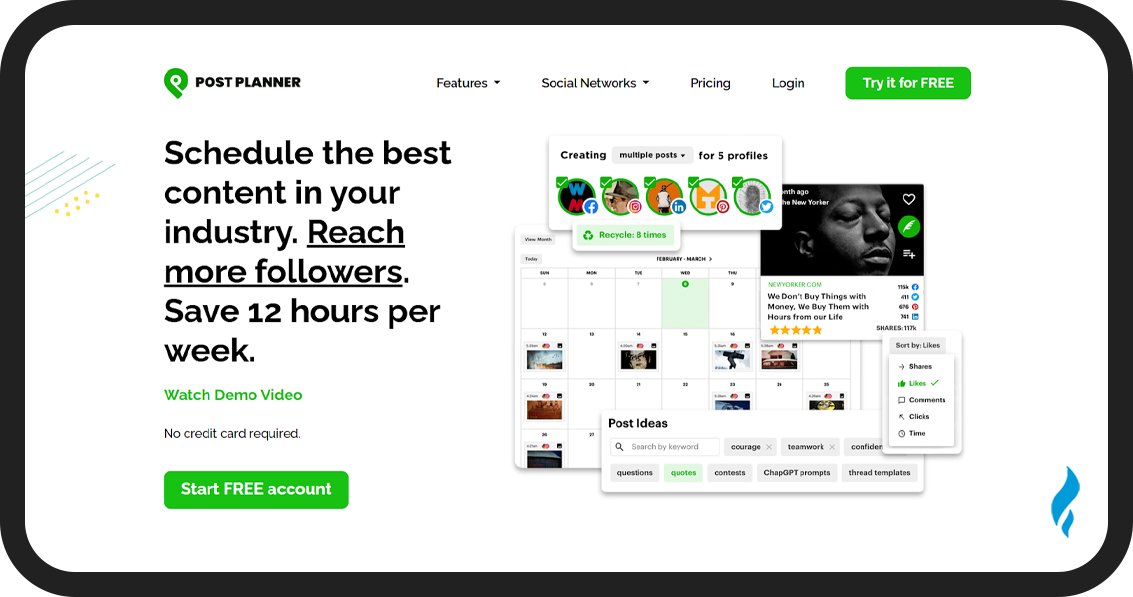
Post Planner is a social media scheduler known for its effective Discover tool, which helps you find and curate content. You can use their Discover tool to find viral content in your niche and save time by sharing that content.
Post Planner can also track metrics like shares and likes for each content. You can create and schedule posts manually with time-saving features like category-based scheduling, auto-recycling, and other automation tools.
It supports all major social platforms, so you can schedule posts across multiple networks.
Key Features
- Analytics: You can track performance, engagement, and growth with built-in analytics.
- Social Media Scheduling: Create, plan, and schedule posts to multiple platforms to automate publishing.
- Design: You can make visuals using stock media and editing tools.
- Content Categories: You can group your posts by topic and schedule entire categories at once.
- Post Recycling: Re-queue evergreen or top-performing posts for repeated sharing.
- Discover: Find viral content and social media trends that fit your audience and add them to your posting queue.
Pros
- Excellent content curation
- Cross-platform scheduling options
- Time-saving features
- Free plan available
Cons
- Daily posting limits
- The interface needs improvement
- No direct TikTok publishing
Pricing
The paid subscription starts at $12/month, but you can use a free plan with limited features.
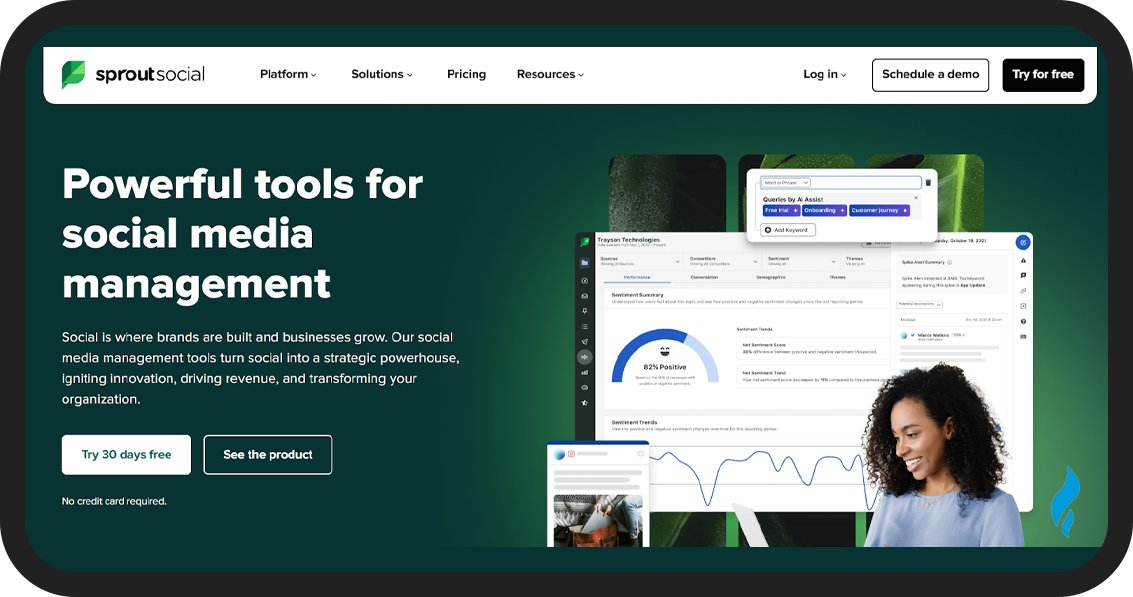
Sprout Social is a social media scheduling tool designed for large businesses and enterprises. Their high cost makes them less suitable for creators and small businesses.
They provide features like social listening, advanced analytics, CRM, and employee advocacy tools. Unless you need these extra features, their cost is too high to justify the scheduling and publishing tools
You can schedule posts 180 days ahead for Facebook, Instagram, TikTok, LinkedIn, X (Twitter), YouTube, and Pinterest. Their Optimal Times feature also suggests the best posting time based on your past 16 weeks of posts.
Key Features
Advanced Scheduling: You can schedule posts to all your profiles, pages, and groups.
Collaboration: Use an interactive calendar, shared assets, user permissions, internal chats, and publishing workflows for smoother teamwork.
Optimal Times: You get posting time suggestions to plan your schedule.
Other features: Analytics and reporting, Link-in-bio builder, CRM, and social listening
Pros
- Unlimited post scheduling on all plans
- Top-quality scheduling and publishing tools
- All-in-one platform with extensive features
- Ideal for large businesses and agencies
Cons
- The subscription price is too high for small business owners and creators
- You have to learn the platform to use it effectively
Pricing
You can use a 30-day free trial, and the paid subscription starts at $249/month. But you can save 25% on an annual subscription.
16. Buffer
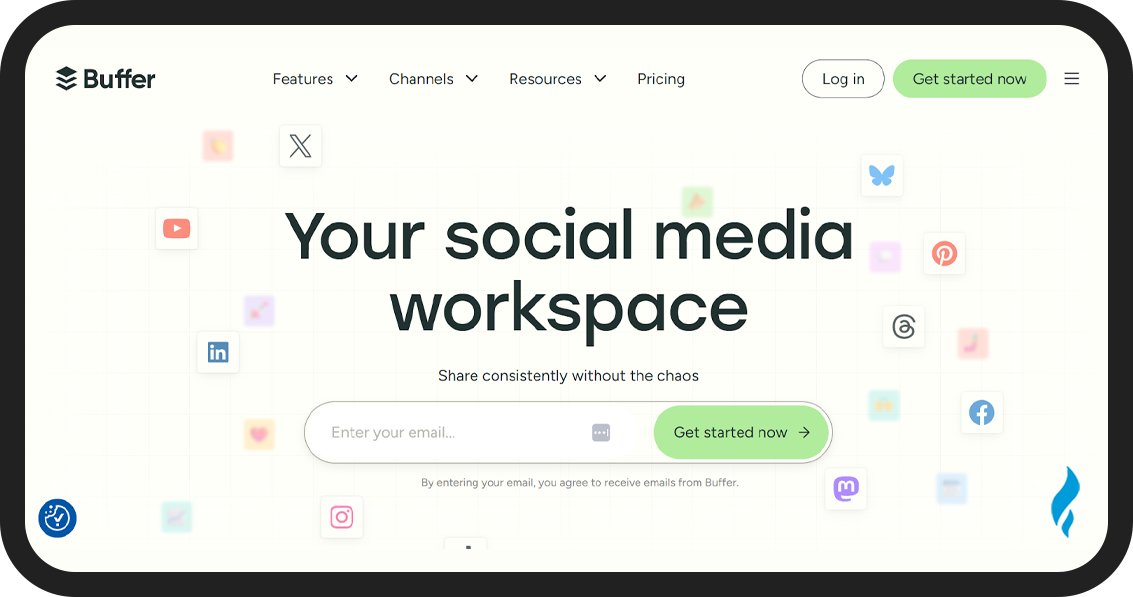
Buffer is a simple social media scheduler that works with all major platforms and post types. You can use it to schedule posts to Facebook, Instagram, TikTok, X (Twitter), Pinterest, and Mastodon from their dashboard.
Their free plans are great with no monthly or yearly scheduling limits. But you can only queue up to 10 posts per channel at once. So if you want to publish on a daily basis, you will need their paid plan.
You can schedule your content using the Buffer composer to create your posts and select one or more platforms with the option to customize the post for each network before scheduling.
Buffer allows you to schedule your post for a specific time and save it as a draft, or you can queue your post. The queued posts publish automatically one at a time based on your set schedule
Key Features
- Mobile scheduling: You can schedule posts from your phone or use the desktop version.
- Content queues: You can post individually or add to a queue for smoother scheduling.
- AI assistant: Generate post ideas, rewrite copy, and more with a few clicks.
- Other features: Analytics, engagement monitoring, and link-in-bio builder.
Pros
- User-friendly social media scheduling workflow
- Clean, easy-to-navigate interface
- Affordable subscription plans
Cons
- No tool for finding trending content
- Limited collaboration features for team use
Pricing
You can start with the free plan and purchase a paid plan that begins at $6/month, with 2 months free on annual billing.
17. Hootsuite
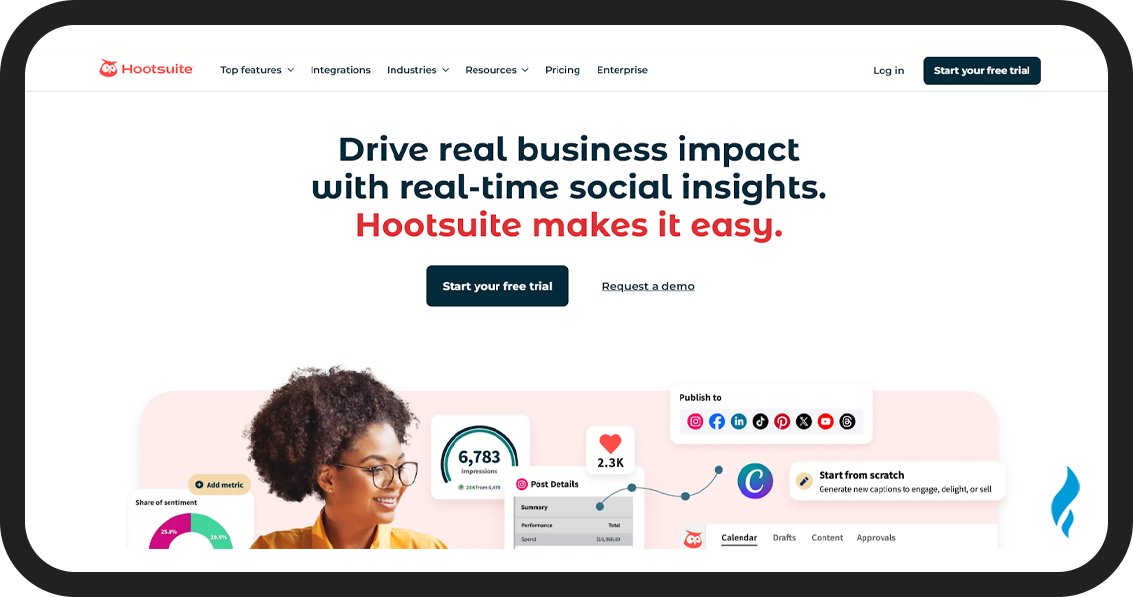
Hootsuite is an all-in-one platform that you can use for social media scheduling. You can schedule posts to Facebook, Instagram, TikTok, LinkedIn, X (Twitter), YouTube, and Pinterest.
Their entry-level paid plans are costly and limit you to 10 social accounts and 1 user, but with unlimited post scheduling. You can schedule a post across multiple platforms and customize your captions and the post times for each platform.
Their bulk composer can be used to create and schedule multiple posts at once, and you can manage all your posts in the built-in content calendar that is shareable.
They suggest the best times to post and offer hashtag recommendations to help your posts reach more people. You can use the content discovery streams to find shareable content, a stock photo library, an editing tool to resize images, and Canva integration.
Key Features
- Advanced scheduling: You can schedule your posts individually in the calendar or in bulk with the bulk composer.
- Post tailoring: You can create post variations and schedule them across multiple networks at once.
- Other features: Analytics, reporting, contact management, design tools, content curation, and unified inbox.
Pros
- Advanced social media scheduling options
- Packed with features
- Accurate “best time to post” suggestions
Cons
- High subscription cost
- Less user-friendly
Pricing
You can get a 30-day free trial and purchase a paid subscription at $99/month. You can get a 20% discount on a yearly subscription.
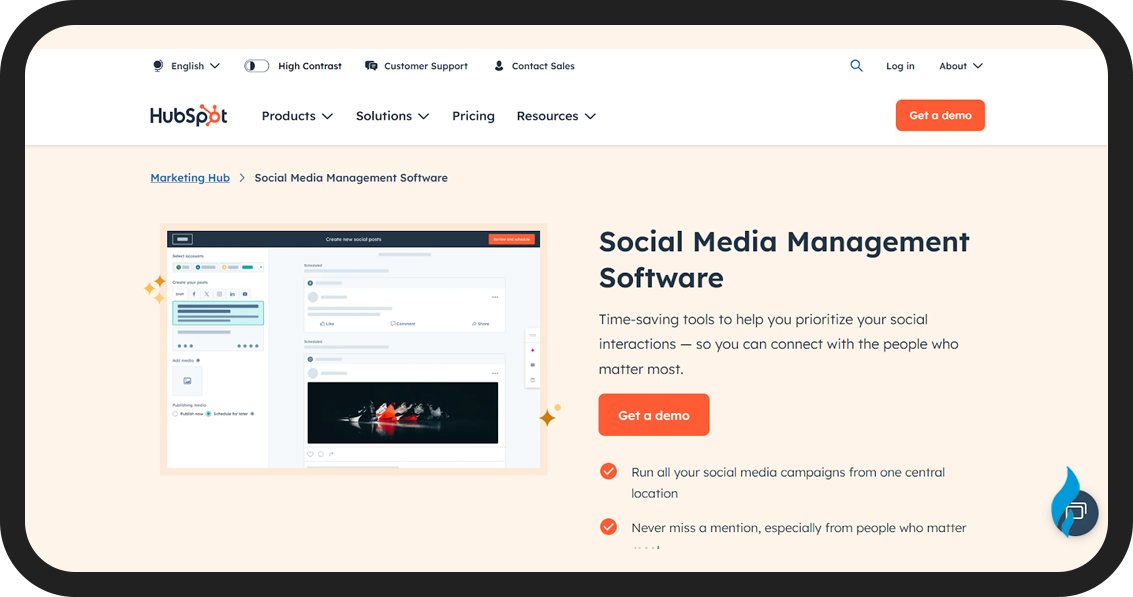
HubSpot Social is an all-in-one business solution. It offers a basic but effective social scheduling feature alongside tools for content and commerce. You can use their social scheduling to post individually or automate using a calendar or campaigns.
The option “Add to campaign” will add the post directly to your campaign to save time. You can schedule unlimited posts on Facebook, Instagram, X (Twitter), and LinkedIn.
Their social analytics tools will add custom tracking parameters to your post so you can track social media KPIs. This makes reporting easy for your business, and you can justify social media ROI easily.
But you will not find advanced scheduling features, and HubSpot doesn’t support platforms like YouTube and Pinterest. Their price is also very high for small business owners.
Key Features
- Advanced Scheduling: You can schedule posts individually or in bulk using the bulk scheduling tool.
- Real-time Analytics: Track post performance immediately after publishing.
- Collaboration: You can streamline teamwork with an interactive content calendar.
- Optimal Posting: You get personalized best-time-to-post suggestions based on past performance.
Pros
- You can schedule unlimited posts on major social platforms
- Easy to use after connecting your accounts
- They provide excellent customer support
- Includes many other marketing tools
Cons
- Too complex if you only need post-scheduling
- The crossposting interface is not user-friendly
- Cannot schedule a post on Pinterest or YouTube
- The platform is expensive after the demo period
Pricing
You can get a free demo, but the paid plan starts at $890/month with full social media management included.
19. Planable
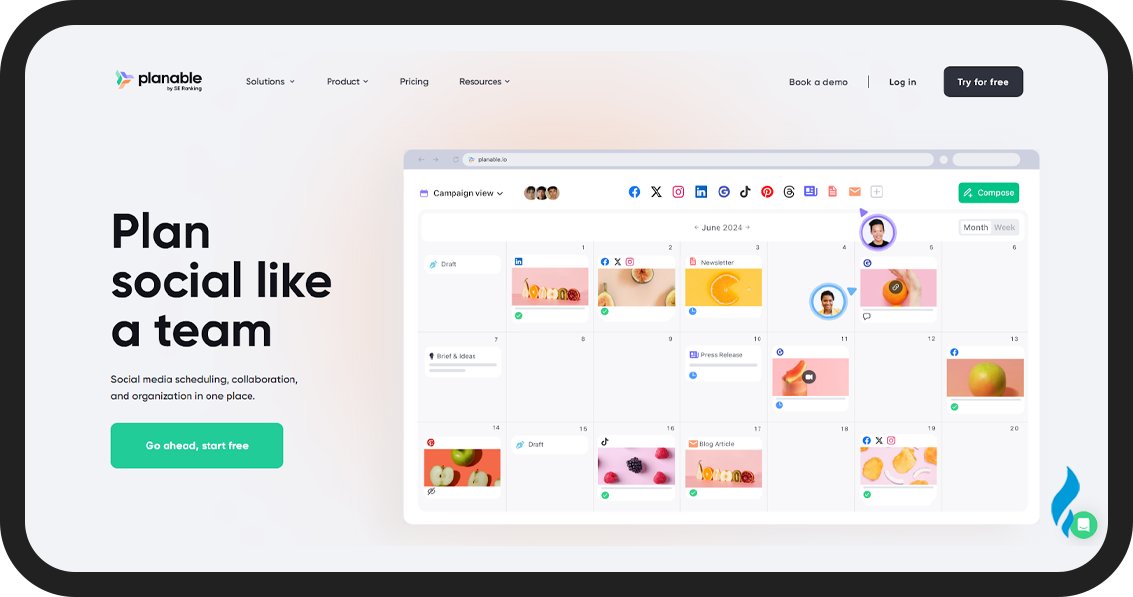
Planable is a social media scheduling tool that focuses on easy collaboration. They offer a great free social media plan where you can schedule up to 50 posts. Their premium plan gives you access to more features.
You can manage, schedule posts, and work together as a team with Planable. There is an approval feature that allows your client or manager to approve your scheduled posts before automatic publishing.
They also have a mobile app to make the platform easily accessible for your team.
Key Features
- Multi-Platform Publishing: You can schedule posts to major social networks and use a drag-and-drop calendar to preview and schedule posts.
- Analytics: You can track performance and generate a report
- AI Content: Generate and rewrite captions and resize and trim images and videos.
- Collaboration: You can comment, approve, and manage workflows with ease.
Pros
- Visual, drag-and-drop content planning
- Easy team collaboration with approvals and comments
- Schedule posts across multiple social networks
- AI tools to help create captions faster
- Real-time post previews to reduce errors
Cons
- Some advanced features require add-ons
- Limited native analytics without upgrades
- No direct publishing to all social platforms (depends on integrations)
- It can be pricey for small business owners
Pricing
You can use Planable for free with a 50-post limit. The paid plan starts at $39/month per workspace.
What is the 5 3 2 rule in social media?
The 5 3 2 rule in social media means that for every 10 posts you share, 5 should be curated content, 3 should be original content from your company, and 2 should be personal or fun posts to build a connection.
What is the 5 5 5 rule on social media?
The 5 5 5 rule on social media means posting 5 pieces of original content, engaging with 5 posts, and responding to 5 comments or messages daily. This helps you maintain an active presence and build relationships.
What is the best social media calendar planner?
Marketing Tank is the best social media calendar planner because of its advanced features and user-friendly interface at a reasonable price.
Which social media management tool is best?
Marketing Tank is the best social media management tool. The best social media management tool for your business depends on your individual needs and priorities.

